One honeycomb. A vault behind every path.
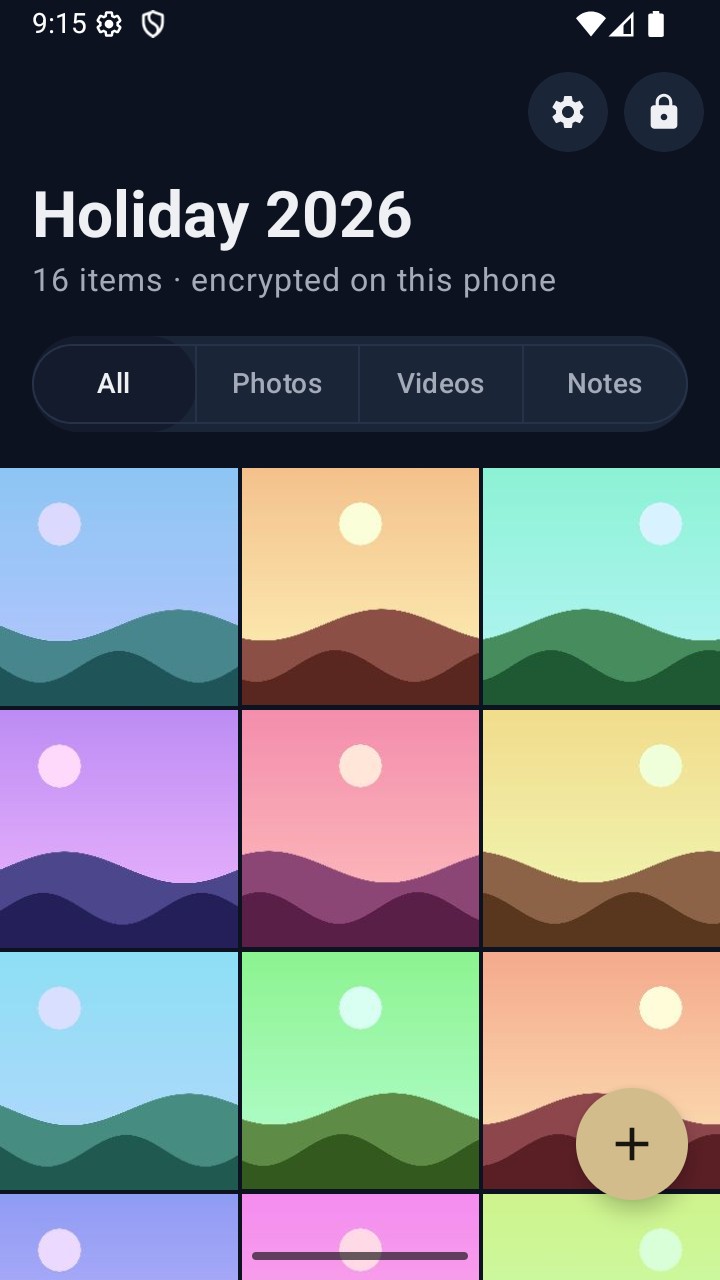
VaultWell keeps photos, videos and notes encrypted on your phone. Each vault opens with its own path across the comb. No account, nothing to sign up for.
Set up in under a minute.
From install to your first photo secured takes about a minute.
- 1
Draw your path
Trace across the honeycomb. A gentle meter shows how strong it is as you go.
- 2
Keep your phrase
Write down a few words, just in case. Type three back so you know they're safe.
- 3
Add what matters
Photos, videos, files or a note, one tap each. They're encrypted the moment they land.
Everything you'd hope for.
Nothing you'd have to figure out.
The parts you'll use every day, and the ones you hope you never need.
Many vaults, one comb
Each path opens its own hidden vault. Nothing on screen shows how many you have, and the lock screen is only the comb.
Learn more →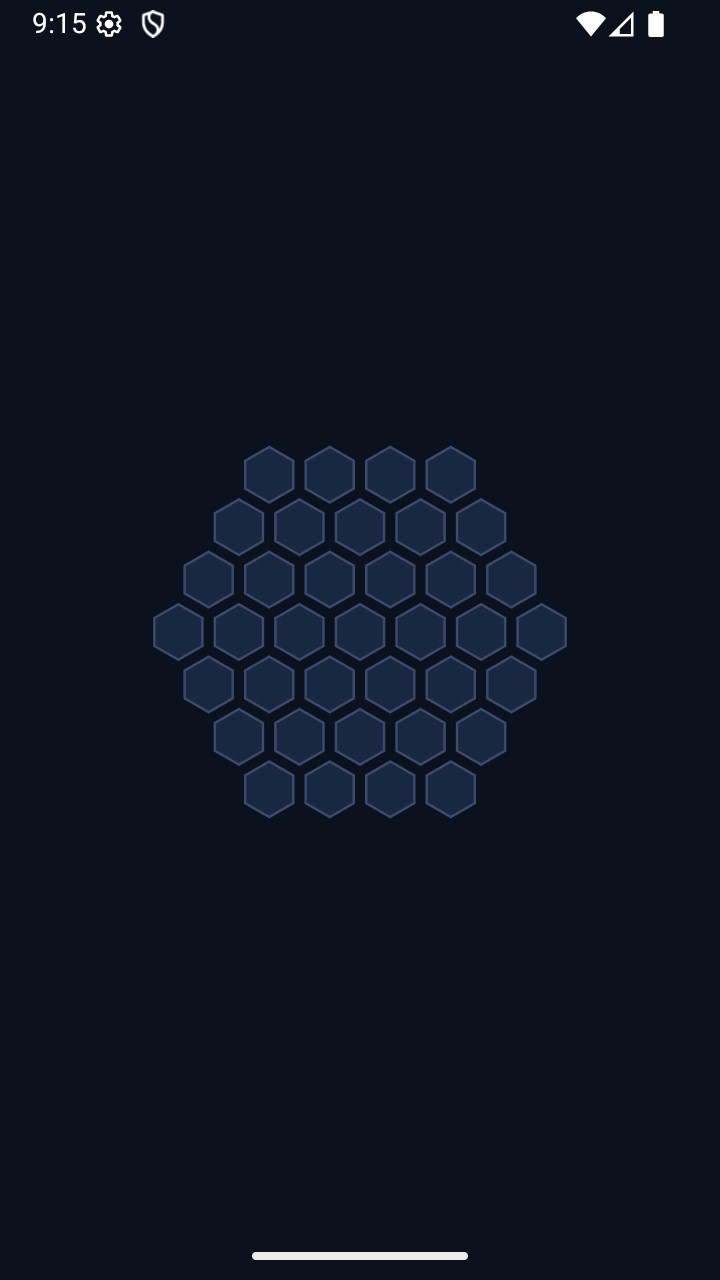
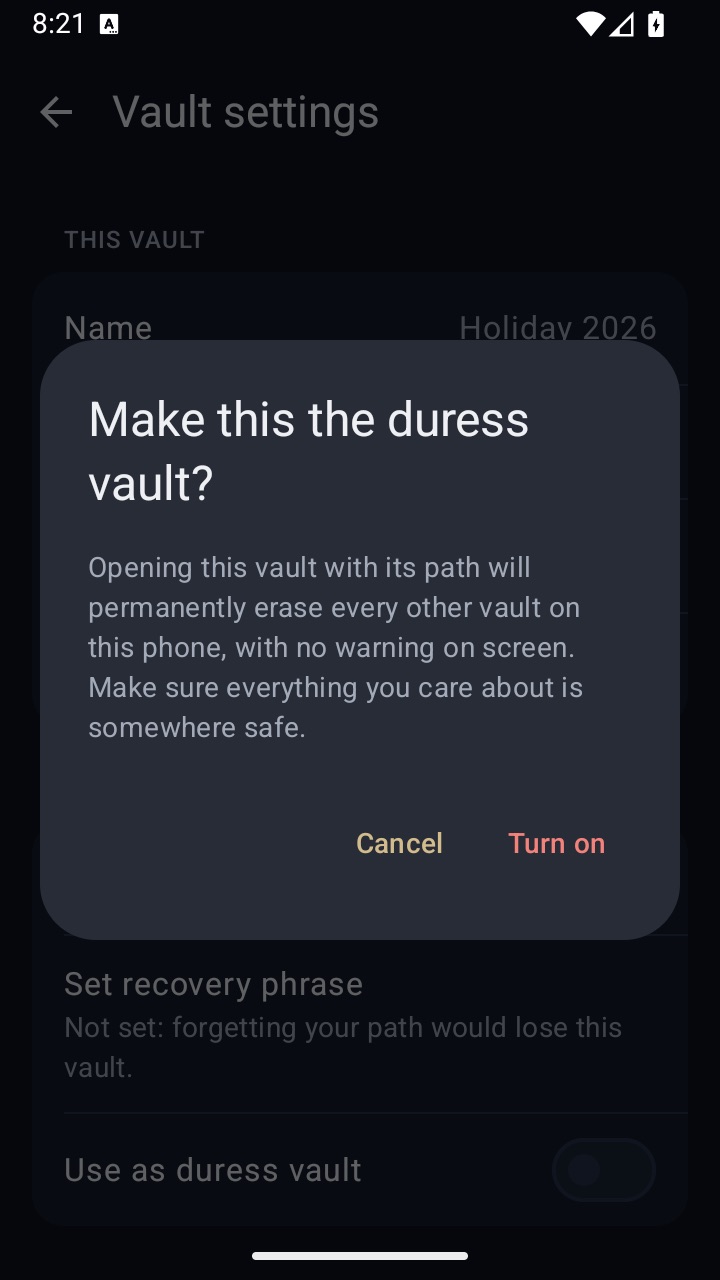
A vault for pressured moments
A second path opens a harmless decoy vault and erases the others on this phone.
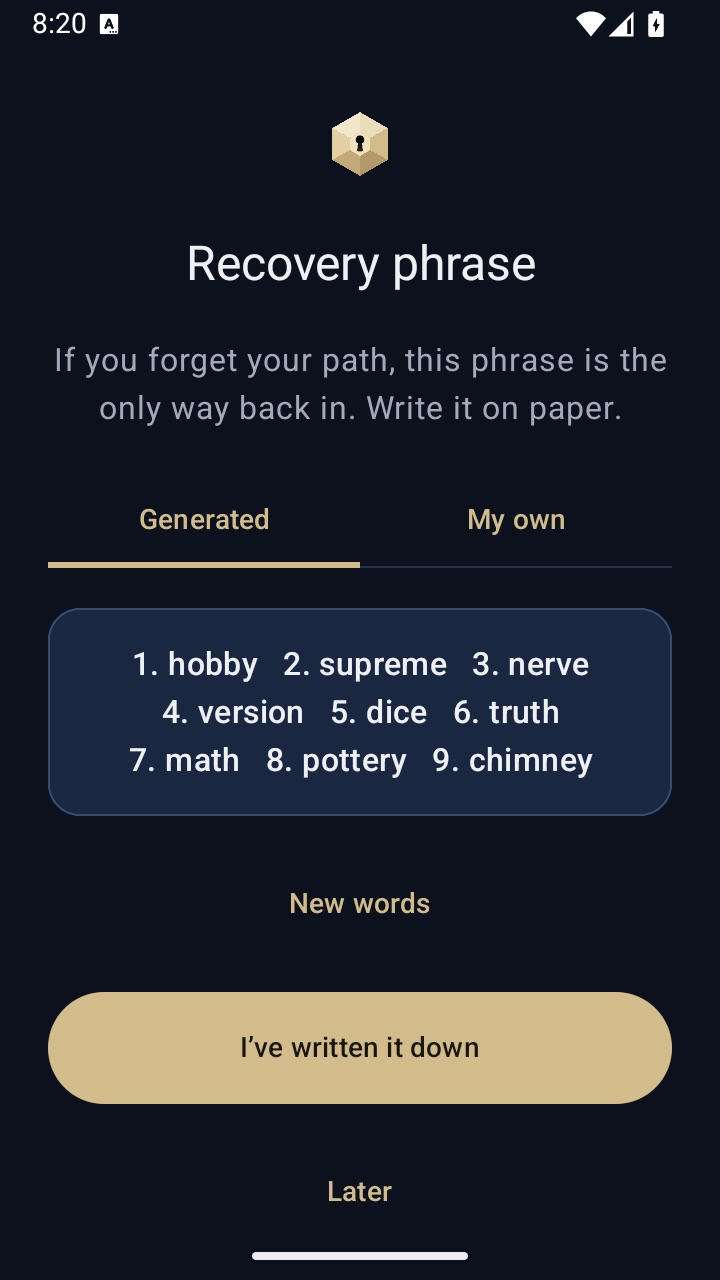
A phrase, just in case
Six or more words bring everything back if you forget your path.
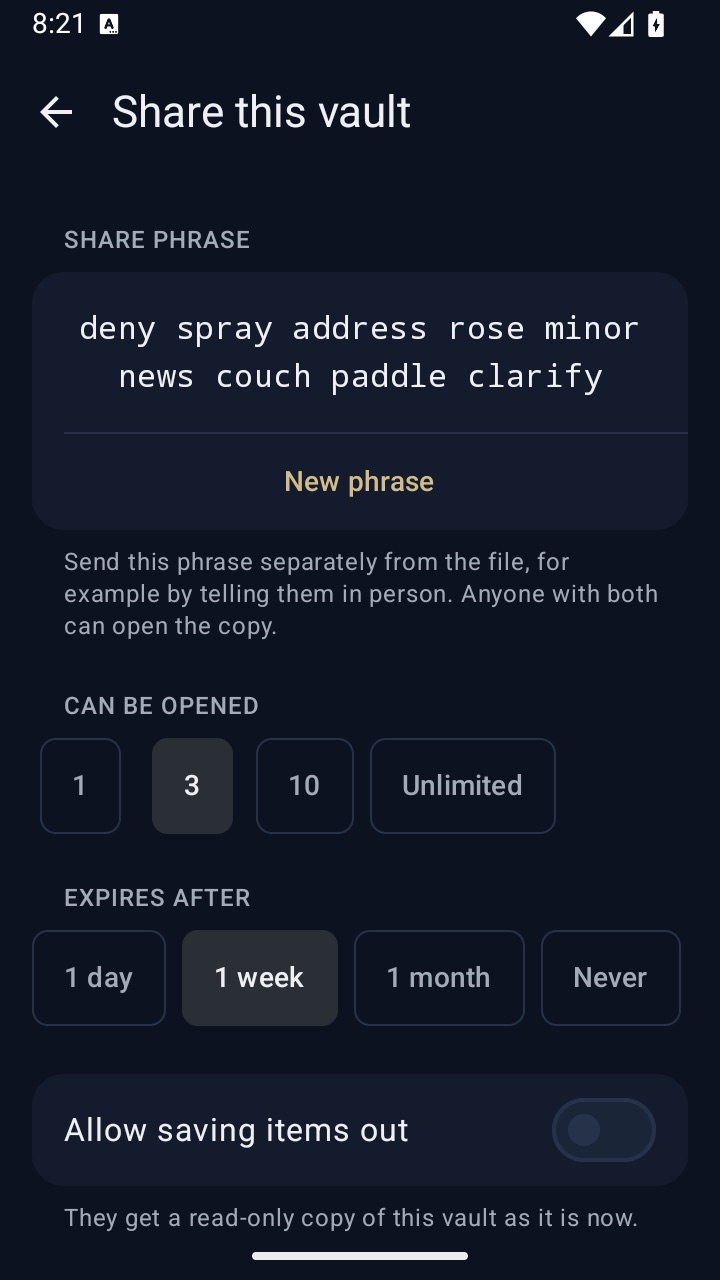
Share, then let go
Read-only copies with a limit on opens and an expiry date. They delete themselves when they run out.
Dressed as something else
Calculator, Printer or Compass on your home screen.

- Intruder snapshotsA quiet photo of whoever keeps getting the path wrong.
- Locks itselfAuto-lock, and lock the moment you put the phone face down.
- Backups you holdEncrypted .vwbackup files, kept wherever you like.
- Screen-capture protectionWhat's inside a vault stays out of screen recordings and the app switcher.
- Speaks your language33 languages, light and dark, and large text that just works.
They can't see what they can't find.
There's no list of vaults, no count, no picker. Each path opens one vault and says nothing about the rest. Try it: pick a path.
Choose a path to see what opens.
Strong where it counts. Plain about how.
Your path is stretched with Argon2id and bound to your phone's secure hardware, then every file is sealed with AES-GCM. We never see any of it.
Read how it works →Argon2id key stretching
64 MiB of memory per guess makes trying paths slow and costly.
Bound to this phone
Secure Enclave on iPhone, StrongBox on Android. A copied file alone isn't enough.
Chunked AES-GCM
Large videos open quickly, and any tampering is detected.
Fewer hoops, more calm.
A privacy app should feel like a deep breath, not a sales pitch.
Elsewhere
- Slide after slide of features before you can start
- A paywall and a “one-time offer” countdown during setup
- A pattern grid with no idea how strong it is
- “Tick here if you saved your phrase”
- A lock screen with a shield and the app's name
In VaultWell
- One welcome screen, then straight to your path
- No paywall while you set up, and no fake urgency
- A live strength meter as you trace
- Type back three words to prove it's saved
- Just the comb. Options sit behind a long-press
“No fake countdowns, no exclamation marks, no fear. Just a safe place that's easy to love.”
 The VaultWell promise
Try a little privacy today.
Small tools that run in your browser. Nothing you use them on leaves your device.
Photo metadata remover
See and strip GPS, camera and AI tags before you send a photo.
Open tool →Face blur & redactor
Blur faces or cover text in photos and screenshots.
Open tool →QR code generator
Wi-Fi, contact and link QR codes, as PNG or SVG.
Open tool →Path strength tester
Trace a path on the comb and see how guessable it is.
Open tool →What is VaultWell?
An app for iPhone and Android that keeps photos, videos and notes encrypted on your phone. You open each vault by drawing its own path on a honeycomb.
What if I forget my path?
Your recovery phrase of six or more words brings everything back. We can't recover it for you, because we never have it.
Do I need an account?
No. No email, no phone number, nothing to sign up for.
Can VaultWell see my files?
No. Everything is encrypted on your phone with a key made from your path, and nothing is sent to us.
How many vaults can I have?
As many as you need. Each opens with its own path, and nothing on screen shows how many exist.
How does sharing work?
You send a read-only .vwshare copy with a limit on opens and an expiry date. The person also needs the share phrase, which you send separately.
Does VaultWell sync to the cloud?
Not today. Your vaults stay on your phone, and encrypted backups go wherever you choose to keep them.
Which languages does it speak?
33 languages. It follows your phone's language unless you pick one.
Not out yet. Worth the wait.
VaultWell is coming soon to iPhone and Android. Until then, the free tools work today, in your browser, with nothing to install.